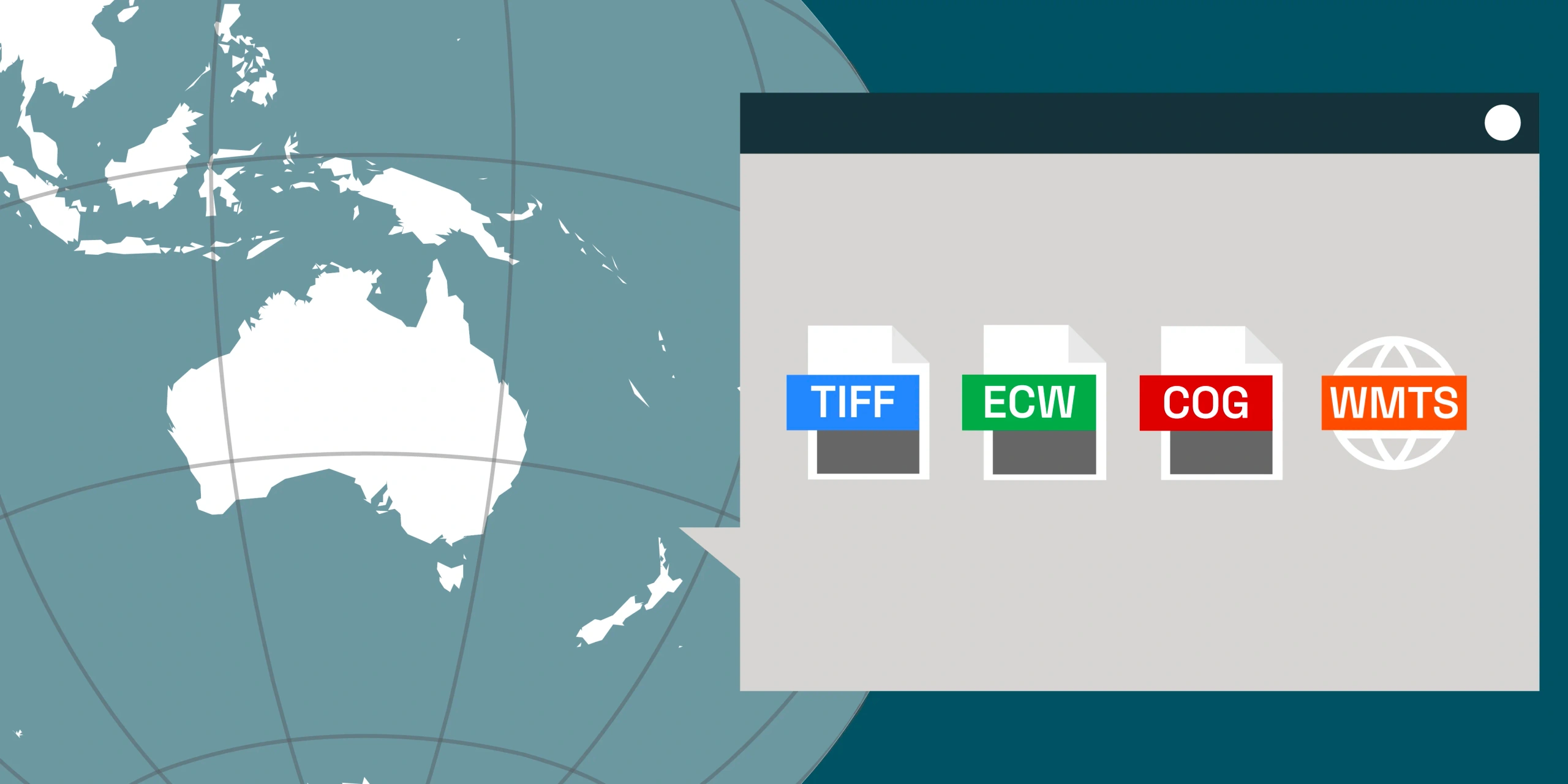
In geospatial workflows, the format you choose is more than a technical detail - it directly impacts how fast your maps load, how efficiently your analytics run and how much storage space you need as your data archive grows.
Whether you're working with high-resolution imagery, elevation models or multi-temporal datasets, the balance between performance, storage and accessibility depends heavily on file format.
From cloud-optimised analytics to high-speed visualisation, understanding the differences between COG, GeoTIFF, ECW and WMTS ensures your data performs where it matters most.
What is GeoTIFF?
GeoTIFF has long been the universal open standard for georeferenced raster data. It's widely supported across GIS, remote sensing and analytics platforms - from ArcGIS and QGIS to Python and cloud environments.
Advantages:
- Embedded georeferencing and rich metadata support
- Compatible with almost all GIS or remote sensing tools
- Supports multiple bit depths (8-bit, 16-bit, 32-bit integer and floating point)
Limitations:
- Large file sizes
- No built-in pyramids
- Must be completely downloaded before viewing or analysis
Best for: Offline analysis and scientific workflows
What is a COG? (Cloud-Optimised GeoTIFF)
The Cloud-Optimised GeoTIFF (COG) format is a modern evolution of GeoTIFF - designed for fast, cloud-native access. It allows for partial reads so users can access only the tiles or resolutions they need, without downloading entire datasets. Platforms like Albatross use COGs to deliver imagery to users quickly and efficiently.
Advantages:
- Optimised for the cloud, stream imagery directly from cloud storage (AWS, GCP, Azure etc.)
- Tiled structure and internal pyramid layers enable efficient access even for local use
- Maintains compatibility with legacy GeoTIFF readers, the files created are still valid GeoTIFF files
- Quickly becoming the standard for cloud-based geospatial data, with strong community support and adoption by major platforms
Limitations:
- Larger file size than wavelet compressed formats such as ECW (typically 8:1 compression vs ECW's 15:1)
- Requires COG-optimised tools and software for optimal speed and support
Best for: Web maps and dashboards streaming imagery to a small number of users and cloud-based analytics
What is ECW? (Enhanced Compressed Wavelet)
ECW is a high-performance, proprietary format created in Australia for fast display and compact storage. It's particularly effective when working with massive mosaics or operating in environments where bandwidth is limited.
Advantages:
- Highly efficient compression (often 15:1) while maintaining decent visual quality resulting in smaller files
- Quick panning and zooming due to multi-resolution overviews that are built into the file format
- Well suited for desktop GIS and offline field use, particularly for mining and infrastructure teams
Limitations:
- ECW is a proprietary format and file generation requires a paid license and read functionality requires usage of the ECW SDK
- Not able to be streamed without using proprietary software (Hexagon Apollo)
- Limited software support, some open-source tools have incomplete or no ECW support due to licensing issues
Best for: Desktop mapping, remote site monitoring and high-speed access in storage limited environments
GeoTIFF
COG (8:1)
ECW (15:1)
What is WMTS? (Web Map Tile Service)
WMTS isn't a file format but a web service standard for streaming tiled map imagery. Imagery is pre-rendered into small PNG or JPEG tiles - making it ideal for dashboards, portals and online maps.
Advantages:
- Fast display and scalable for web users
- Compatible with most online mapping platforms (ArcGIS Online, Mapbox, Leaflet and OpenLayers)
- Efficient bandwidth usage as the service will only send imagery over the requested area
- Frequently viewed tiles are cached by the server to improve response time
Limitations:
- Higher cost as it requires tile serving infrastructure and software (can be self-hosted with open source software or a SaaS product such as ArcGIS Online)
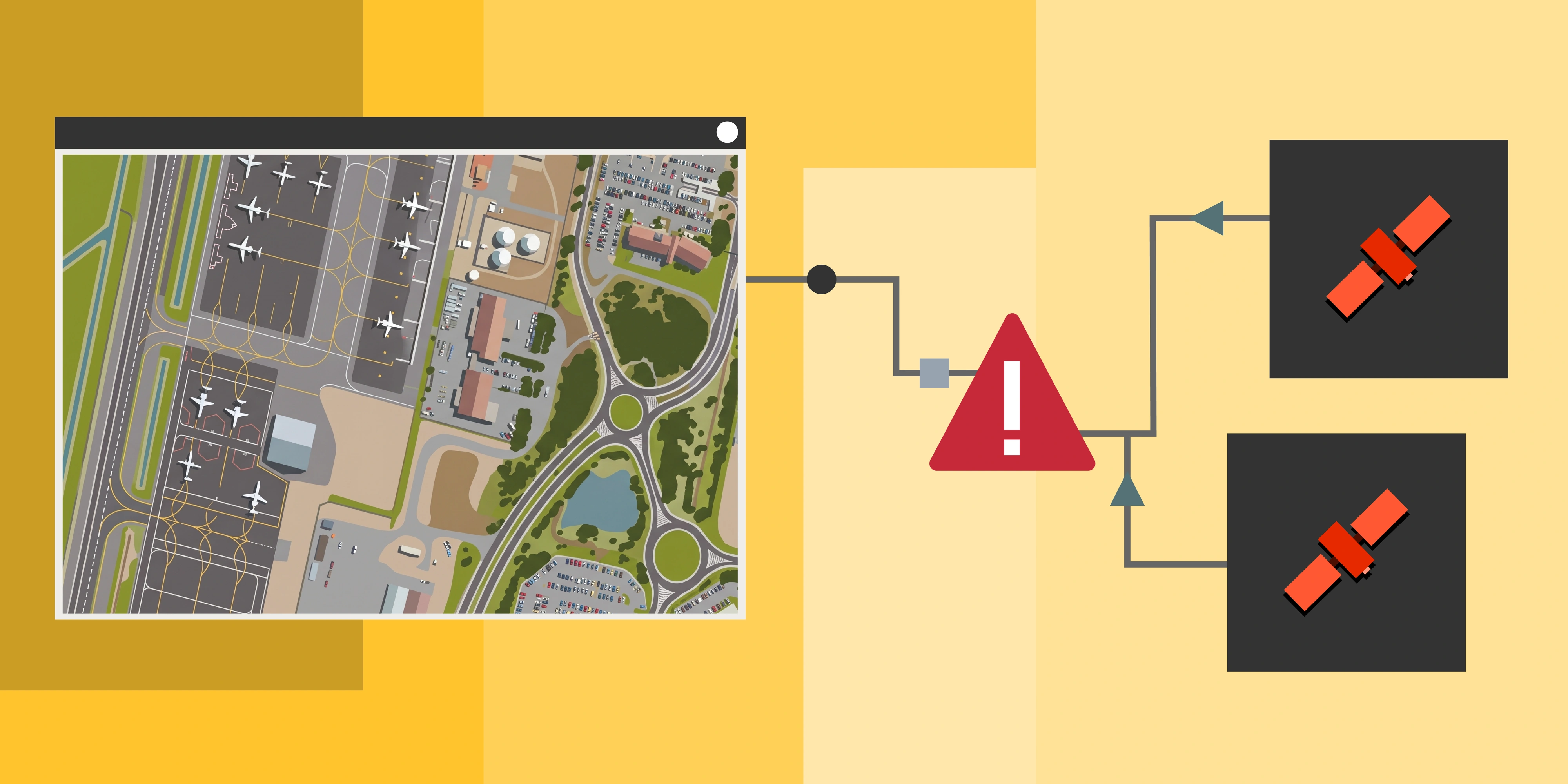
- Analysis ready data (higher bit depth) is streamed as uncompressed TIFF tiles and is not supported by all software
Best for: Web maps, dashboards and interactive applications used by a large number of users
RGB (Natural Colour)
CIR (Colour Infrared)
Format Comparison Images
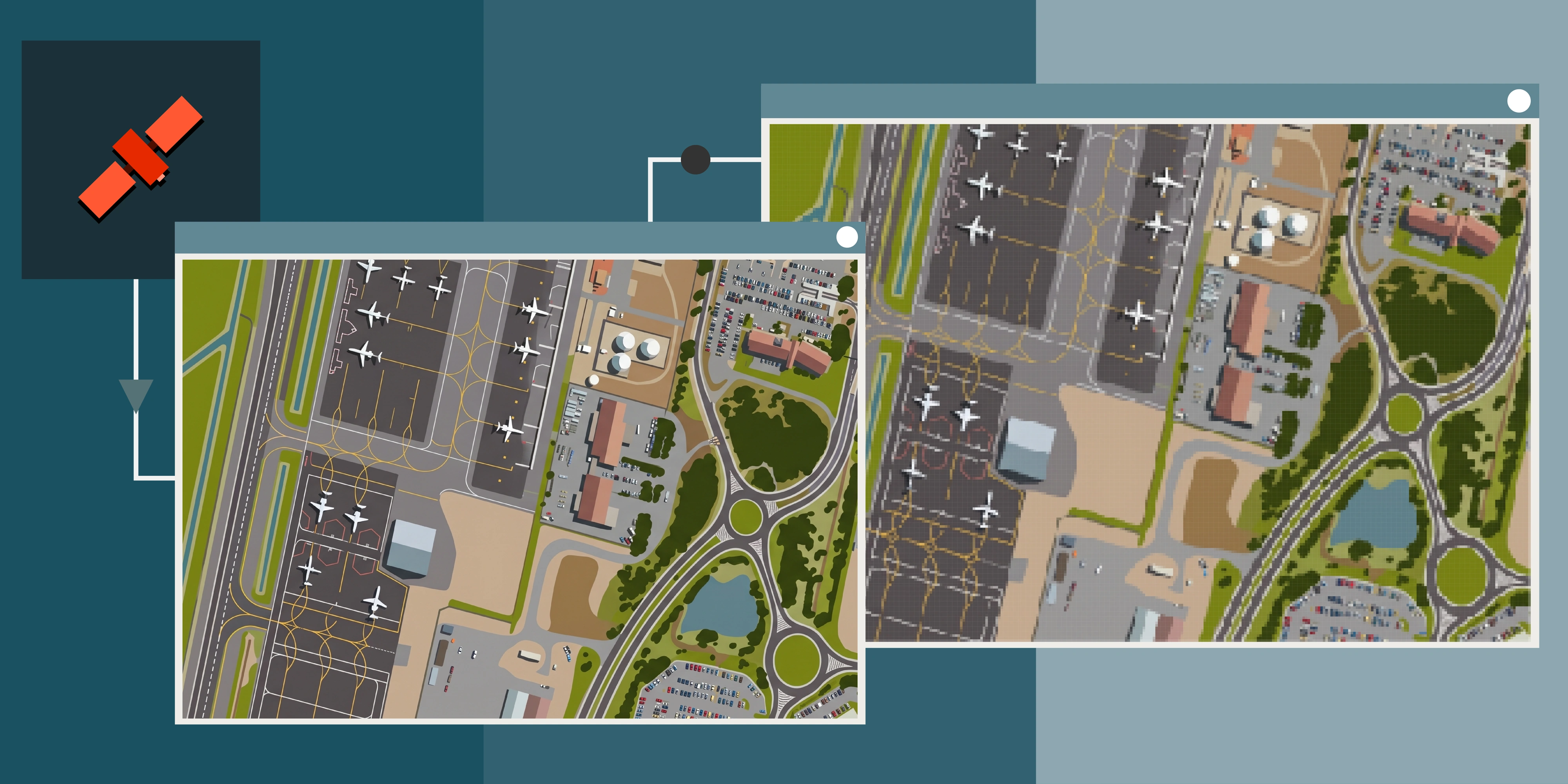
For a closer look at the differences, here are images showing the same satellite imagery in all three raster formats. Look for the subtle variations due to the compression which can introduce small artefacts and add a small amount of noise. For more on how satellite imagery is captured and delivered, see our introductory guide.
GeoTIFF - Uncompressed
COG (8:1 Compression)
ECW (15:1 Compression)
More Comparisons
GeoTIFF
COG (8:1)
ECW (15:1)
GeoTIFF
COG (8:1)
ECW (15:1)
Terrabit Format Quick Guide
Terrabit Tip: Most clients benefit from a hybrid approach - COGs for analysis and viewing, WMTS for dashboards and ECW for distribution to teams in the field. Learn more about how we pre-process imagery to meet your specific requirements.
File Size Comparison
Storage and bandwidth costs add up quickly when working with large imagery archives. The chart below shows typical file sizes for 30cm GSD imagery covering 100 square kilometres. For guidance on selecting the right imagery for your needs, see our complete guide to buying satellite imagery.
How Terrabit Optimises Data for Performance
Terrabit delivers imagery in the format that best suits your workflow - whether you need full-resolution analysis, rapid cloud access or lightweight web streaming. We work with leading satellite imagery providers to source the best data for your project.
Our geospatial delivery pipeline includes:
- COG conversion for cloud-optimised imagery access and display
- High-performance ECW compression for fast download and sharing
- GeoTIFFs for cross-platform compatibility with ArcGIS, QGIS, MapInfo etc.
We ensure your data is available when it matters most - analysis, decision-making and reporting.
Conclusion: The Right Format for the Job
In today's data-driven world, no single imagery format fits every use case.
COGs lead the way in analytics and flexibility, WMTS powers dashboards and web applications, ECW excels in compact delivery and GeoTIFF remains the standard format for high compatibility.
Choosing the right format means balancing speed, accessibility and understanding your use case - and that's where Terrabit helps. Whether you're sourcing archive imagery or tasking a new capture, we ensure your data arrives in the format that works best for your team.
We deliver your data in the most efficient form for your operations, ensuring it's always ready for actionable insights.